Popup grid
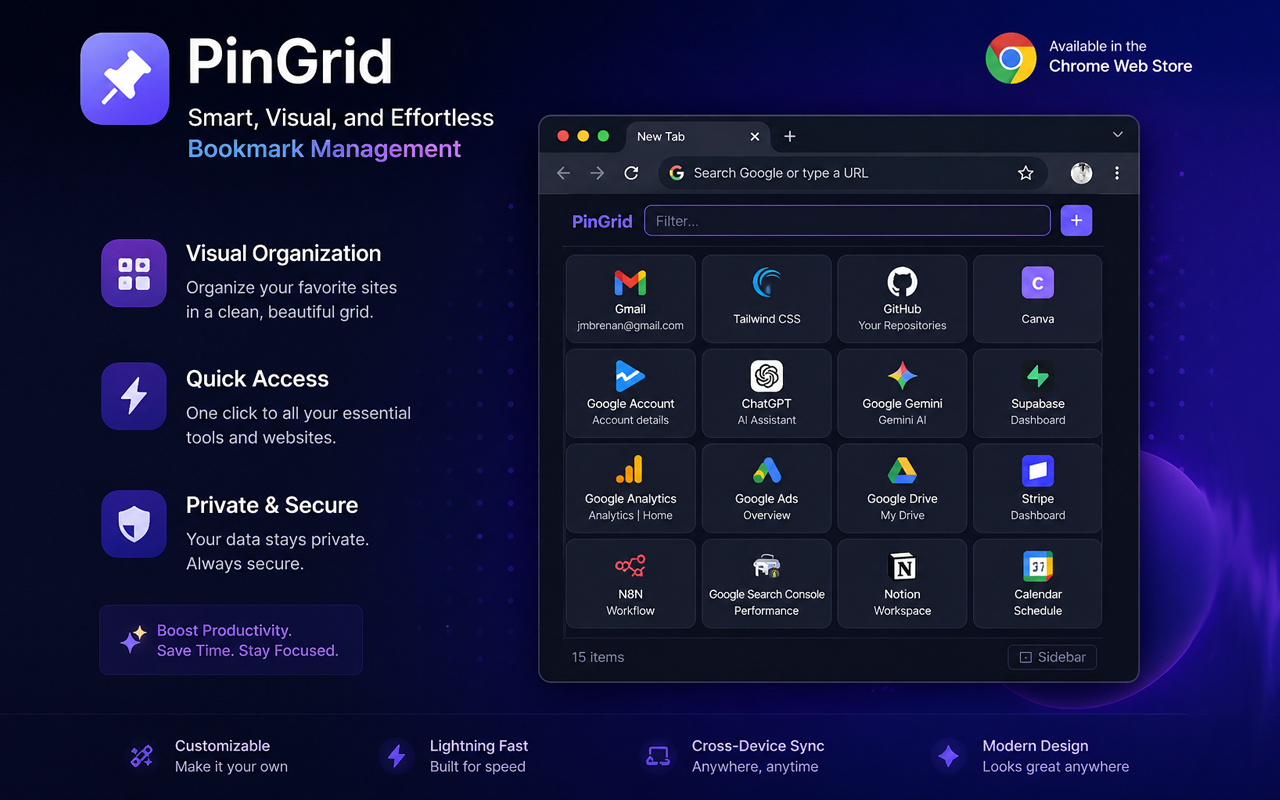
Click the toolbar icon for an instant grid of every page you've saved. Favicons, titles, one-click jump.
PinGrid is a fast, visual home for the tabs you keep coming back to — without cluttering your browser tab bar. Popup grid, sidebar panel, instant filter. Local-first, no account.
Every feature is a small thing — together they clear your tab bar.
Click the toolbar icon for an instant grid of every page you've saved. Favicons, titles, one-click jump.
Press Alt+P to slide open a side panel that stays beside your work. Pins always within reach.
Save the current page or any link straight from the right-click menu. No popup needed.
Type to instantly narrow your pins. Find what you need before your fingers leave the keyboard.
Already have pinned tabs? Import them all in one click and reclaim your tab bar.
Your pins live in your browser, not on a server. No tracking, no analytics, no account.
Three things Chrome's pinned tabs can't do — and how PinGrid fixes them.
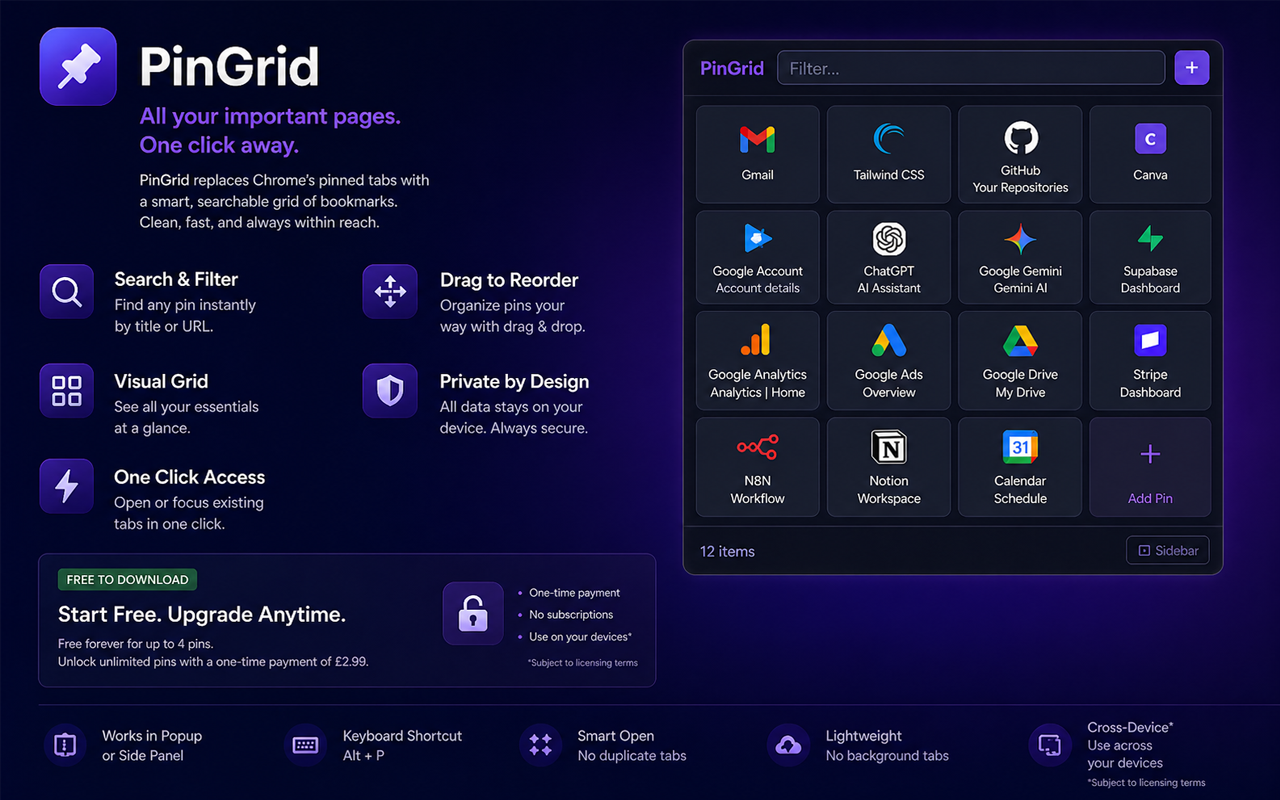
Click the toolbar icon for an instant grid of every page you've saved — favicon, title, one-click open. Type to filter across titles and URLs and surface any pin in a keystroke.
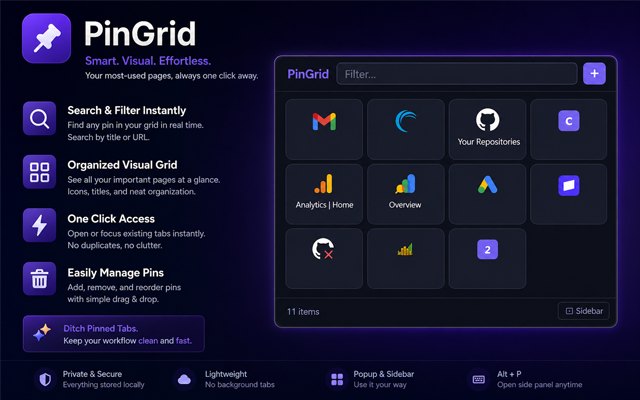
Add the current tab with the + button, right-click any page or link to send it straight to PinGrid, or open the side panel with Alt+P and keep it docked beside your work.
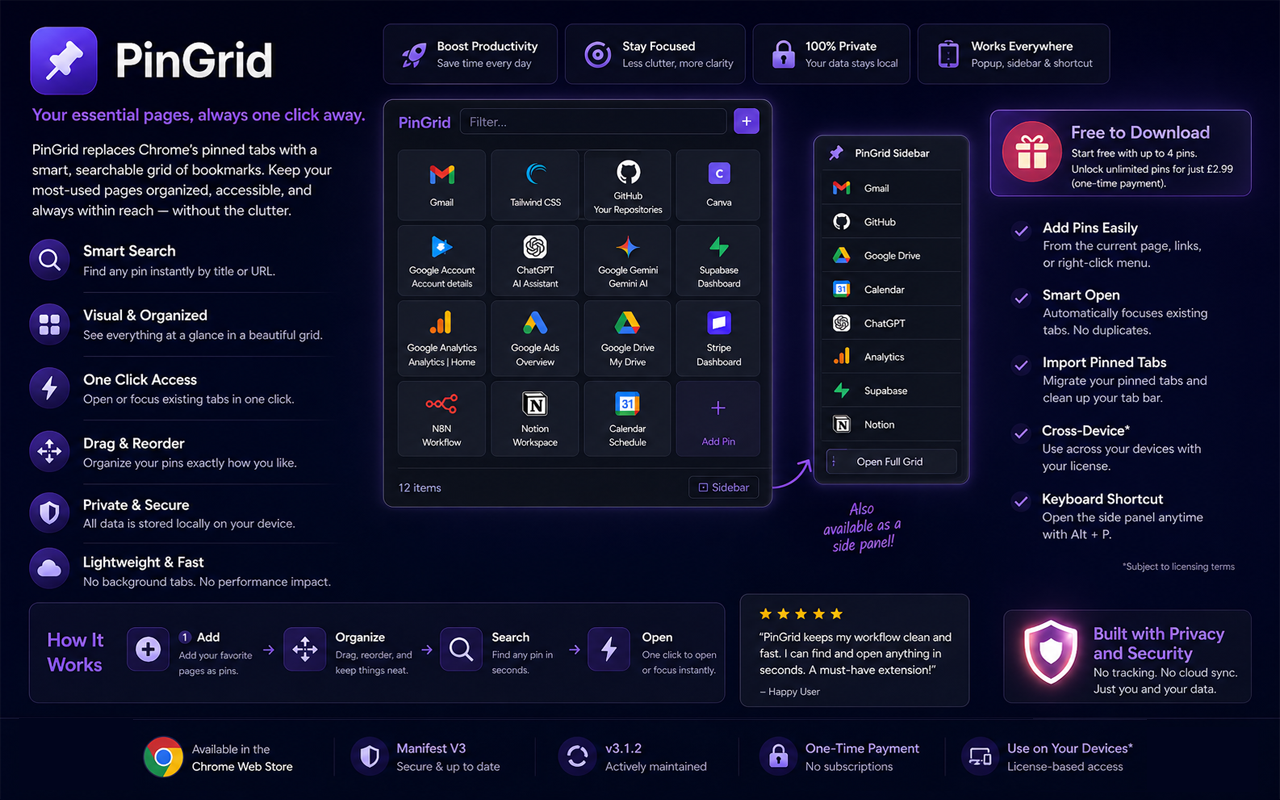
Chrome's pinned tabs stay loaded and eat RAM, get lost across windows, and disappear when Chrome crashes. PinGrid keeps your pins in a tidy local grid — instantly available, never running in the background.
chrome.storage.localFree forever, with everything you need to start. Premium when you want more.
Free
£0
Forever, no card required
 Add to Chrome
Premium
£2.99
One-time payment, unlimited pins forever
Answers to the things people ask most.
Yes. The free version lets you save up to 4 pins, no account needed. Premium unlocks unlimited pins for a one-time £2.99.
No. PinGrid stores all your pins locally in your browser via chrome.storage.local. Nothing is sent to any server. There's no analytics, no tracking, and no account system.
Anywhere Chrome runs — Windows, macOS, Linux, ChromeOS. Also works in Chromium-based browsers like Edge, Brave, and Arc.
No. It's a one-time payment. Pay once, use forever, including future updates.
After checkout, you'll receive a licence key by email from [email protected]. Open the PinGrid popup, paste the key into the licence field, and click Activate. Premium unlocks immediately.
Yes. If Premium isn't for you, email support within 14 days for a full refund.
Card payments via Stripe (Visa, Mastercard, Amex, Apple Pay, Google Pay). All payments are processed securely by Stripe — we never see your card details.
PinGrid is built and maintained by JMHB LTD, a UK-registered company. Support questions go straight to the developer.
Got a question, found a bug, or want to suggest a feature? Drop us an email — we usually reply the same day. If it's about a Premium purchase, include the email you used at checkout so we can find your order.
Enjoying PinGrid?
Takes 10 seconds. No signup, no email.